Formulas
How to calculate Black Friday discounts in Excel
On this page
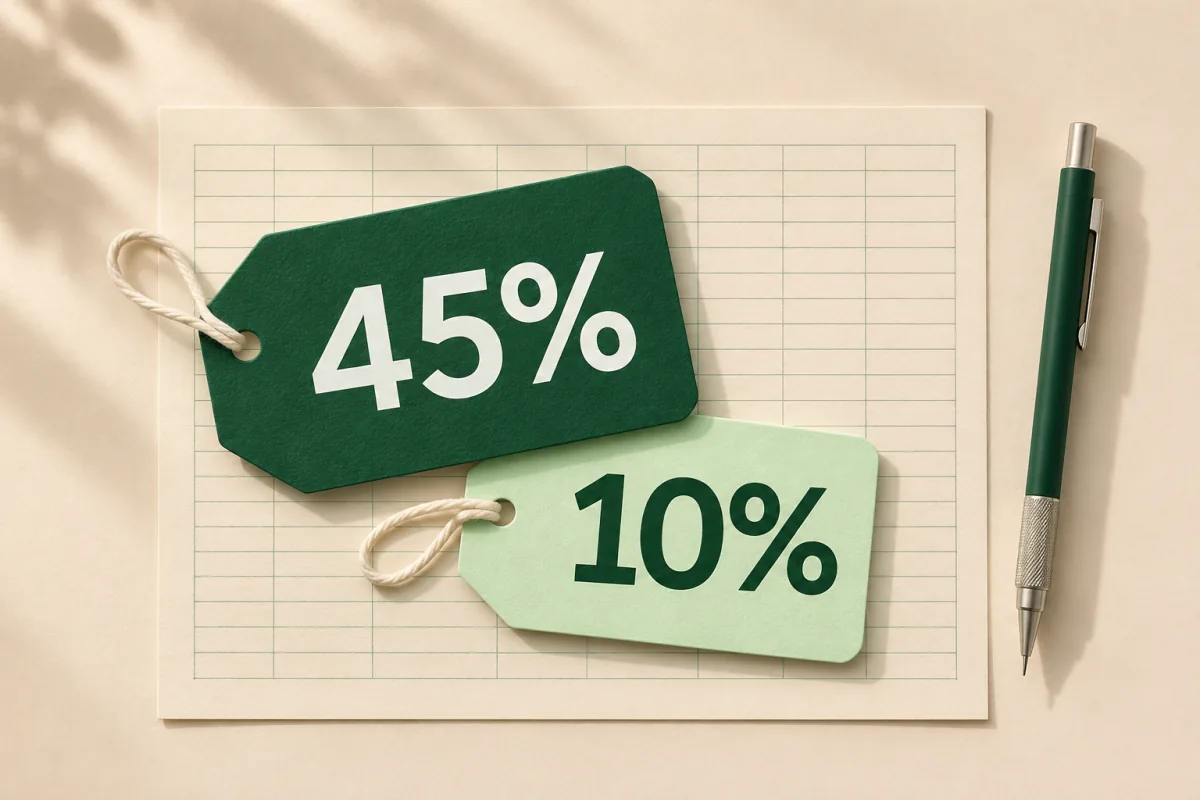
A $100 item is marked down 45%, then a code takes another 10% off. The first discount leaves $55.00. The second brings it to $49.50 before tax.
Find the price after the first discount
| Cell | Input | Value |
|---|---|---|
| B2 | List price | 100 |
| C2 | Sale discount | 45% |
| D2 | Code discount | 10% |
Enter this formula in E2. The expression 1-C2 gives the 55% of the price you still pay. Format E2:F2 as Currency with two decimal places so the result displays as $55.00.
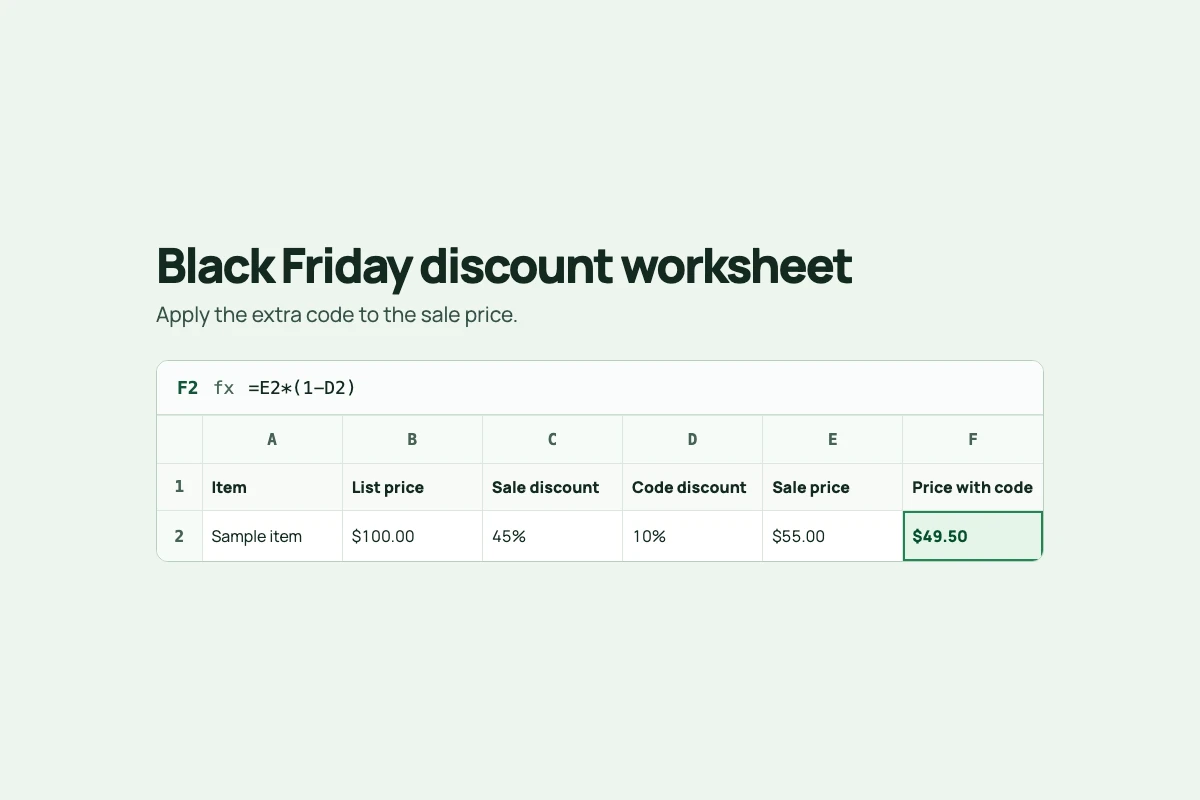
=B2*(1-C2)See the worksheet diagram
Apply the second discount to the sale price
In F2, apply the code to the $55.00 in E2. Ten percent of $55.00 is $5.50, so the result is $49.50.
=E2*(1-D2)To find the combined discount, multiply the shares you still pay and subtract that product from 1. Enter this in G2 and use Percentage format with one decimal place. The result is 50.5% off.
=1-(1-C2)*(1-D2)Adding 45% and 10% would take both discounts off the original price. Each discount in this example applies to the amount left at that step.
Round at the point the seller uses
Currency format changes what you see. Use ROUND when later calculations need the rounded value. For the worksheet above, enter this in G8 to get the combined rate of 23.5%. The ten decimal places remove tiny calculation differences before you round the dollar amount.
=ROUND(1-(1-D8)*(1-E8),10)| What the seller rounds | Formula | Price |
|---|---|---|
| Savings to cents first | =C3-ROUND(C3*$G$8,2) | $57.37 |
| Final price to cents | =ROUND(C3*(1-$G$8),2) | $57.38 |
The exact savings are $17.625. Rounding those savings to $17.63 before subtracting gives $57.37. If you are matching a receipt, use the seller’s stated rule.
Separate the first payment from renewals
Suppose an equipment rental costs $57.37 for the first month and $75.00 for each later month. Enter 3 months in J6, 57.37 in J7, and 75 in J8. This formula in J9 gives $207.37 for three months before tax.
=J7+(J6-1)*J8The first charge happens once. If you put 1 in J6, the total is $57.37 because there are no renewals.
Make a quick check
Set E8 to 0%. The Desk kit price should rise to $32.40, which reflects only the first discount. Put 15% back before comparing the two rounding rules again.
Try it on another worksheet
Work with a fresh set of data and get feedback on your answer.
Practice successive discountsRead the lesson guide