
Last dayBlack Friday sale
off your first payment
Every lesson and project in Excel Practice. The code takes an extra off the sale price and is applied for you when you open plans from this page.
100% refund if you’re unhappy for any reason. Cancel anytime.
-
Annual
Most popularRegular price
Offer priceFirst year
Choose Annual -
Lifetime
Regular price
Offer priceOne payment, yours to keep
Choose Lifetime -
Monthly
Regular price
Offer priceFirst month
Choose Monthly
- 92 interactive lessons
- 5 workplace projects
- Real worksheets that check every answer
- Practice in your browser, no Excel needed
Prices in USD. Stripe shows any tax before you pay. Annual and Monthly renew at the regular price until you cancel.
The Black Friday sale has ended.
Black Friday discount formulas in Excel
Work out a sale price, stack a second discount and check how much you really saved. Then practice the same formulas on a worksheet in your browser.
Three discount formulas to keep
Put the regular price in column B and the discount rates beside it. Each formula below works on a whole price list when you fill it down.
Sale price
=B2*(1-C2)B2 holds the regular price and C2 the discount. 1-C2 is the share you still pay, so 25% off leaves 75% of the price.
Two discounts in a row
=B2*(1-C2)*(1-D2)A code taken off the sale price multiplies the remaining shares. 40% and then 10% off is 46% off in total, not 50%.
Percent saved
=1-E2/B2Divide the price you pay by the regular price and subtract from 1. Format the cell as a percentage.
Practice tasks you’ll do at work
The course includes 92 lessons and 5 projects. Start with a skill you need today, then use several together to reconcile records or build a report.
Calculate Black Friday discounts in Excel
Browse the projects- Explore SUMIF
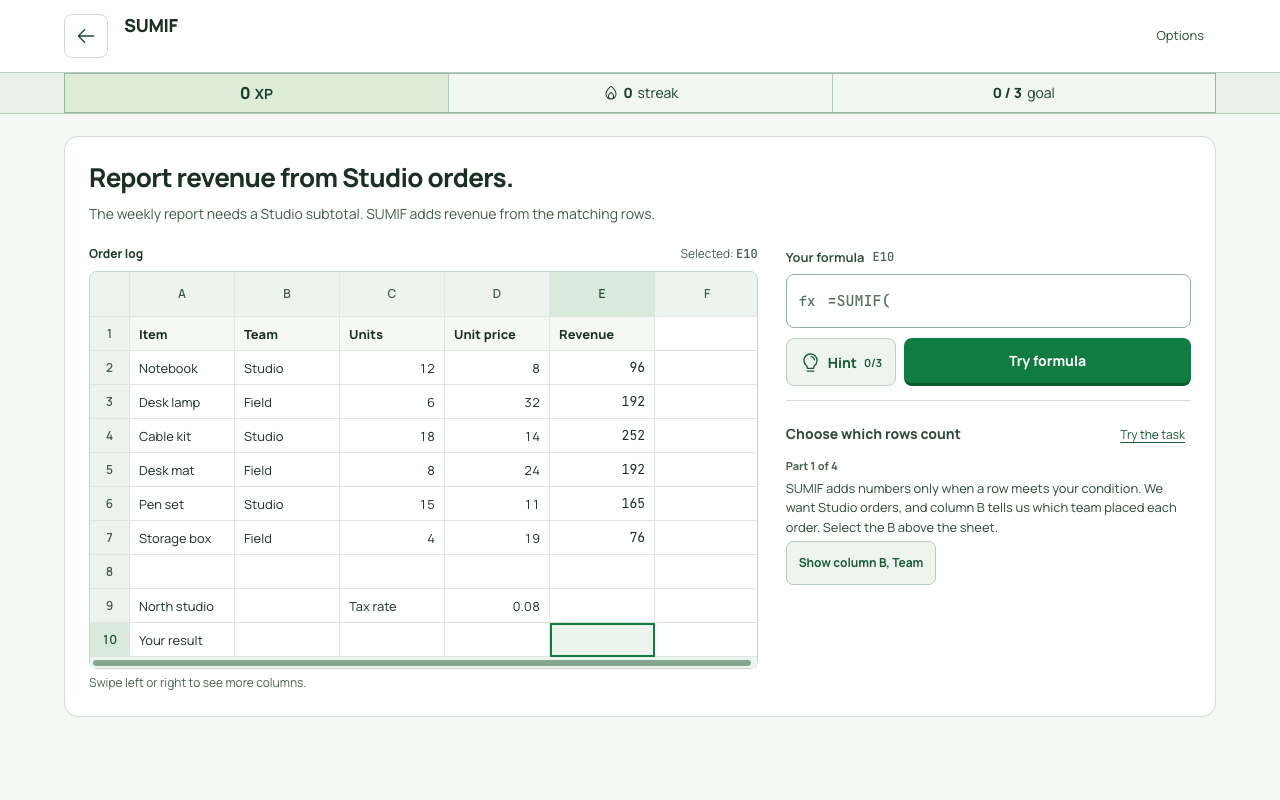
Sum sales for one team
Add the revenue for Studio orders while skipping the rows for other teams.
- Explore XLOOKUP
Match a product to its price
Find a product ID in a catalog and return the matching value from another column.
- Explore PivotTables
Turn orders into a summary
Group rows and compare totals without writing a separate formula for each group.
Questions about discount formulas
How do I calculate a percentage discount in Excel?
Multiply the price by one minus the discount: =B2*(1-C2). With 20% in C2, the result is 80% of the price.
Why aren’t two discounts added together?
The second discount applies to the already reduced price. Multiply the remaining shares instead: 30% and then 20% off leaves 0.7 × 0.8 = 56% of the price, a 44% total discount.
Do I need Excel installed?
You can practice in your browser. Each lesson supplies the worksheet and checks your work as you go.