
Before you read the answers
- Calculate row variances before combining them.
- Use plan as the denominator for a plan-relative percentage.
- Separate a net variance from an overspend-only total.
All examples use original synthetic data. Source row numbers and column letters are shown so you can reproduce the formulas.
Report a workshop budget
Calculate all six signed variances and percentage variances. Show the net and overspend-only totals.
USD and decimal ratios; multiply ratios by 100 only for percentage display.
| Row | A · Expense | B · Plan (USD) | C · Actual (USD) | D · Variance: your formula | E · Variance %: your formula |
|---|---|---|---|---|---|
| 2 | Venue | 1800 | 1950 | Blank task cell | Blank task cell |
| 3 | Materials | 750 | 640 | Blank task cell | Blank task cell |
| 4 | Travel | 600 | 720 | Blank task cell | Blank task cell |
| 5 | Refreshments | 400 | 380 | Blank task cell | Blank task cell |
| 6 | Accessibility | 0 | 240 | Blank task cell | Blank task cell |
| 7 | Printing | 250 | 250 | Blank task cell | Blank task cell |
Worked solution and complete results
Venue USD · D2
=C2-B2Result: 150
Venue ratio · E2
=IF(B2=0,"n.a.",D2/B2)Result: 0.08333333333333333
Materials USD · D3
=C3-B3Result: -110
Materials ratio · E3
=IF(B3=0,"n.a.",D3/B3)Result: -0.14666666666666667
Travel USD · D4
=C4-B4Result: 120
Travel ratio · E4
=IF(B4=0,"n.a.",D4/B4)Result: 0.2
Refreshments USD · D5
=C5-B5Result: -20
Refreshments ratio · E5
=IF(B5=0,"n.a.",D5/B5)Result: -0.05
Accessibility USD · D6
=C6-B6Result: 240
Accessibility ratio · E6
=IF(B6=0,"n.a.",D6/B6)Result: n.a.
Printing USD · D7
=C7-B7Result: 0
Printing ratio · E7
=IF(B7=0,"n.a.",D7/B7)Result: 0
Net expense variance USD · D9
=SUM(D2:D7)Result: 380
Overspend-only USD · D10
=SUMIF(D2:D7,">0",D2:D7)Result: 510
A mistake to catch
ABS removes the difference between Materials being USD 110 under plan and Venue being USD 150 over. Dividing Accessibility by its zero plan creates an undefined percentage.
Correction. Keep the signed difference. Show n.a. when plan is zero and report the actual USD 240 separately. Add only positive rows for overspend-only.
Read the result
The net overspend is USD 380. Overspending lines total USD 510, offset by USD 130 of underspending. These are different useful views of the same source.
Practise the skills in order
- Actual versus target Read the guide, then open the actual lesson.
- SUMIFS Read the guide, then open the actual lesson.
- ABS Read the guide, then open the actual lesson.
- Share of total Read the guide, then open the actual lesson.
- Column and line charts Read the guide, then open the actual lesson.
These are expense variances. Revenue reports may interpret direction differently. Percentage change has no defined plan-relative denominator when plan is zero.
Practice actual versus targetContinue in a downloadable workbook
Budget variance practice
Explain signed expense variance, overspend and percentage variance without hiding a zero budget.
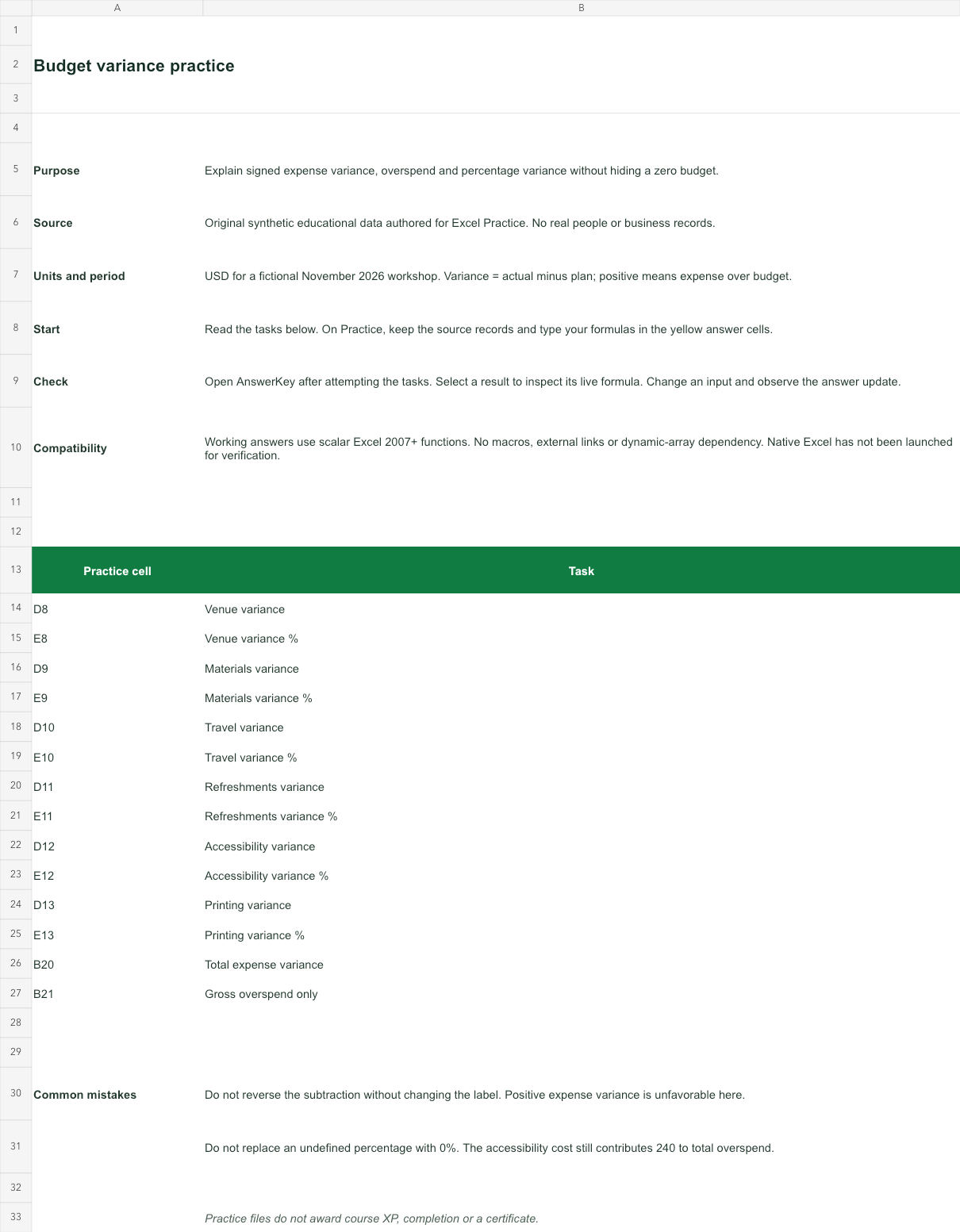
USD for a fictional November 2026 workshop. Variance = actual minus plan; positive means expense over budget.
Bank version 2026-11-02. Includes Instructions, Practice, AnswerKey; 14 live answer formulas. All source records are invented for education.
The download is an additional practice task. Its Instructions sheet identifies the source coordinates; this page’s illustrative example may use different records.
- Working answers use scalar Excel 2007+ functions. No macros, external links or dynamic-array dependency. Native Excel has not been launched for verification.